Welcome to Essex PC's! Looking to build your dream PC? You've come to the right place! Let's start by selecting the perfect components for your build. Whether you're gaming, streaming, or just upgrading, we’ve got you covered.
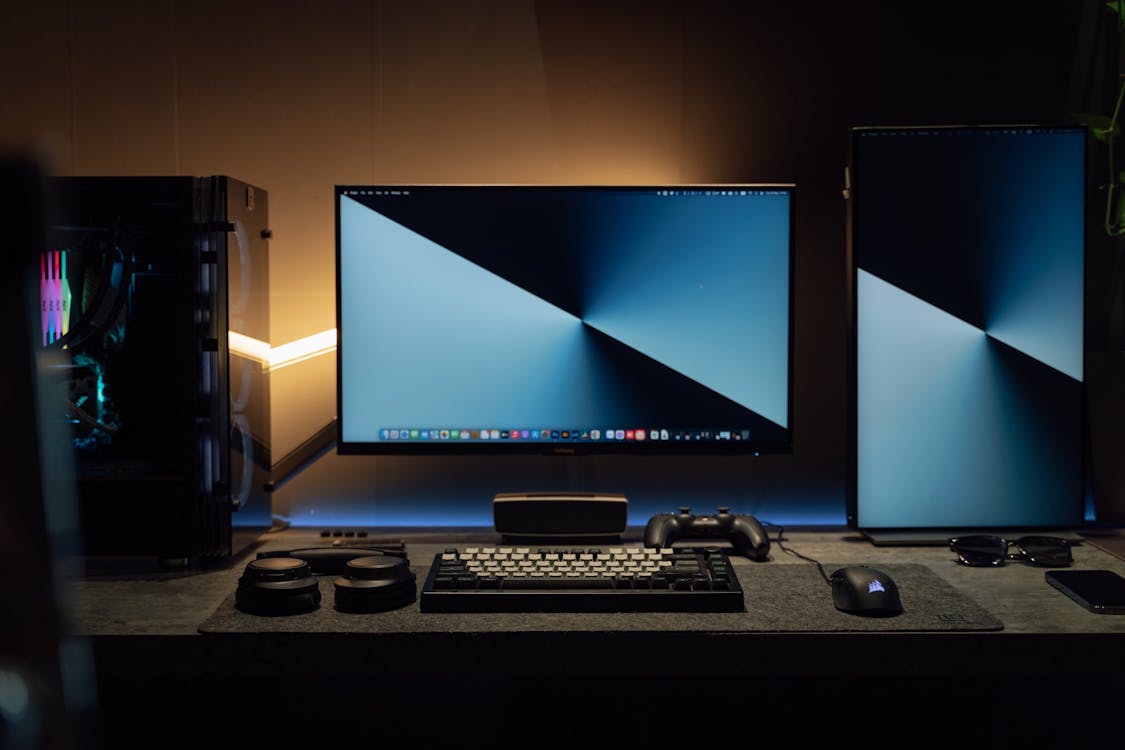
Research needed to build a pc!
- Choose Your Processor & Motherboard
First things first, let’s pick your CPU! Need help deciding? Our easy filter options will help you narrow down the choices based on your needs, from Intel to AMD and the corresponding motherboard that is compatible.
- Choose Your Graphics Card
Next up, let's talk about graphics. For smooth game play or rendering performance, a good GPU is a must. Check out our top picks for both high-end and budget-friendly options.
-
Select Your Storage & Memory
Do you prefer SSD for speed or HDD for large storage? Or both? Select the right amount of RAM to keep your system fast and responsive.
-
Pick Your Power Supply
Don’t forget your power supply! Our handy wattage calculator helps you pick the right PSU to ensure your build runs smoothly and efficiently. power supply watts calculator!
-
Build Your PC Case
Now, let’s make it all look good! Choose a case that suits your style while providing ample airflow and room for your components.
-
Check Compatibility
Not sure if everything fits together? No worries! Our compatibility checker will let you know if all your parts will work together seamlessly. Pc parts compatibility checker!
-
Ready to Order?
All set! Once you’ve picked your parts, we'll put everything together, or if you're building yourself, you’ll get all the details you need to assemble your PC. Ready to check out?"
Building a new pc can be tough!
This is why we have included this helpful video to show and explain all the steps needed to build a reliable gaming system. Of course if you are not interested in building the pc we will happily partake in the opportunity for and extra fee!
1. Incompatible Parts
- CPU and Motherboard Compatibility. Please use the components checker we have linked
- RAM clearance depending on the CPU cooler chosen
- Power supply wattage not sufficient for high end GPUs
2.Improper Installation of Components:
- Incorrectly seating the CPU or RAM in their slots.
- Not properly installing the cooler or heatsink, leading to overheating.
- Forgetting to connect cables like the 24-pin power or 8-pin CPU power.
3.Cable Management Problems:
- Messy or poorly organized cables can obstruct airflow and make the system harder to work with.
- Trapping cables in fans or between components.
4.Thermal Issues:
- Insufficient cooling leading to high temperatures (especially for the CPU or GPU).
- Poor thermal paste application on the CPU, or not applying it at all.
5.Faulty or Loose Connections:
- Loose power cables, especially for GPU or motherboard connections.
- Incorrectly plugged front panel connectors (e.g., power button, USB ports).
6.BIOS Issues:
- Forgetting to update the BIOS, which may prevent the motherboard from recognizing the latest CPU.
- Incorrect BIOS settings (e.g., enabling XMP profile for RAM).